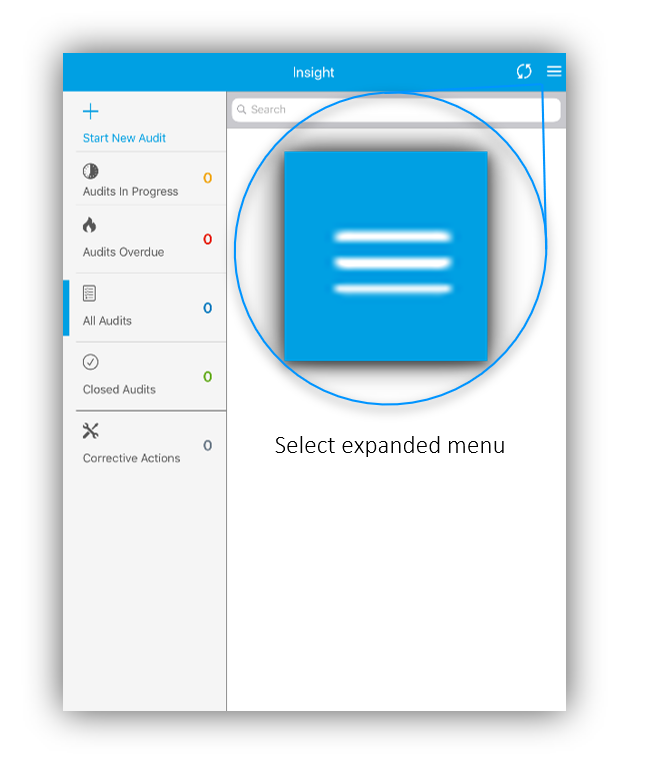
On the Insight home screen, click the expanded menu icon in the top right.
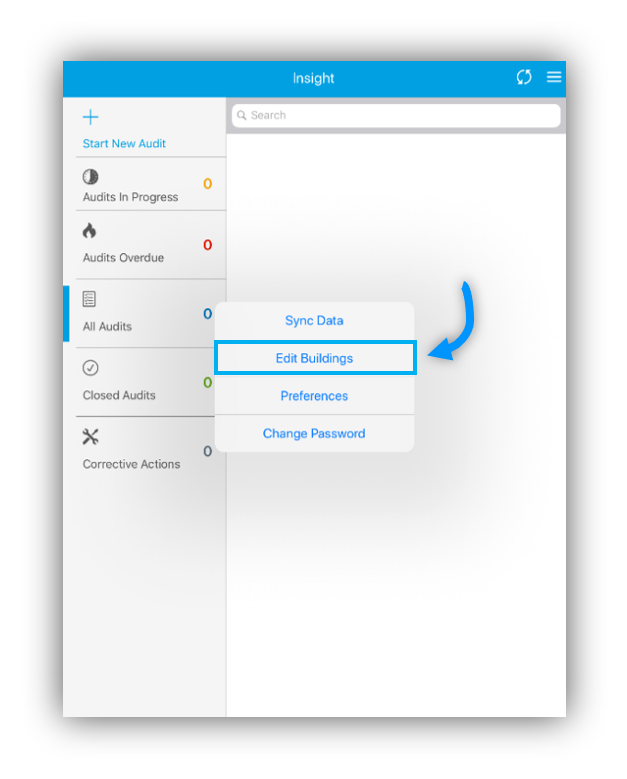
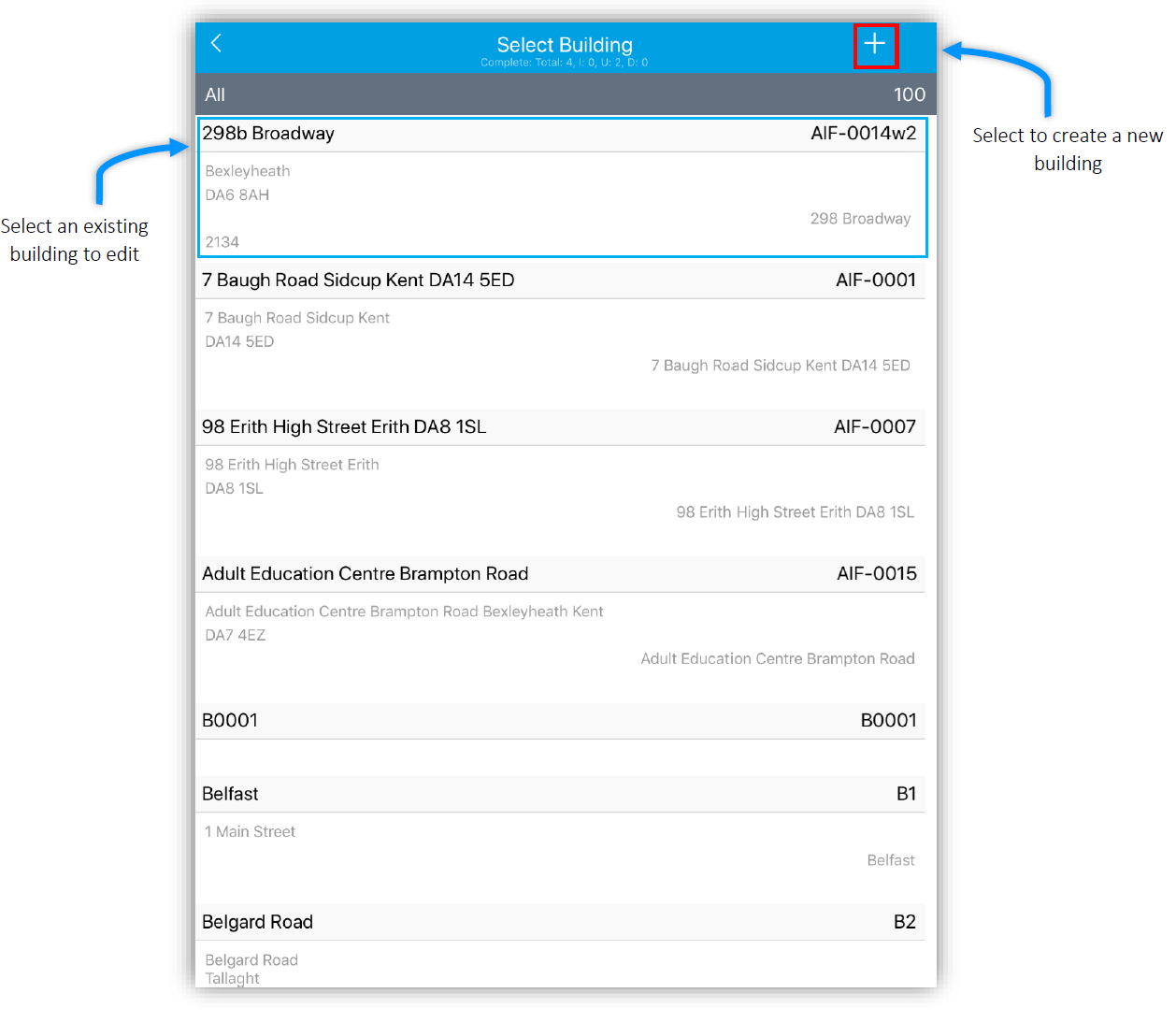
Select 'Edit Buildings' to go you to a list of all your building which have currently been created.
These can be edited by clicking on them. You can create a new building but clicking the ‘+’ in the top right of the Mobiess application.
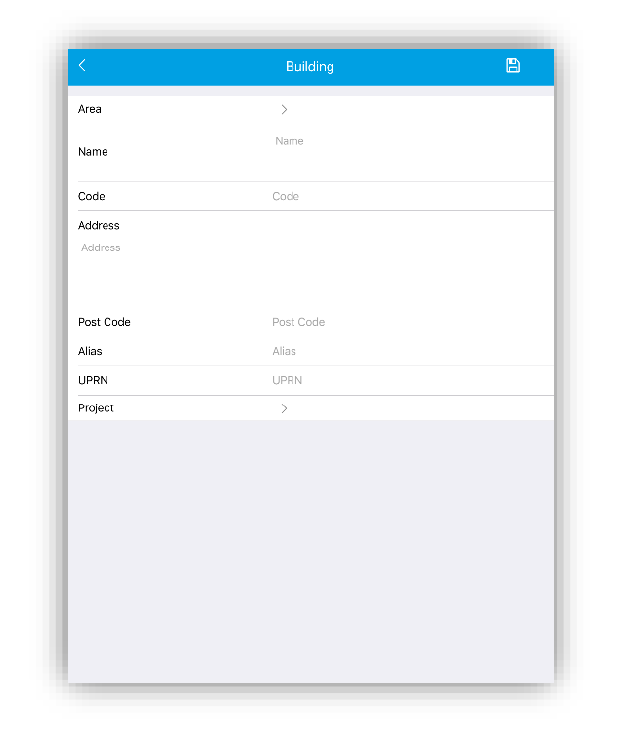
In the edit screen you can alter the data already entered. If you have selected to create a new building you can enter your building information into the fields provided.
Once you have entered the data for your building make sure to click the save button in the top right corner. This will save any changes for your building.