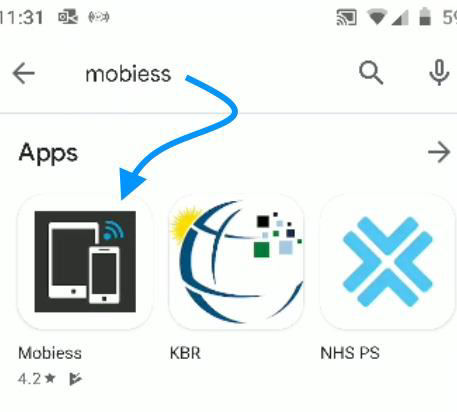
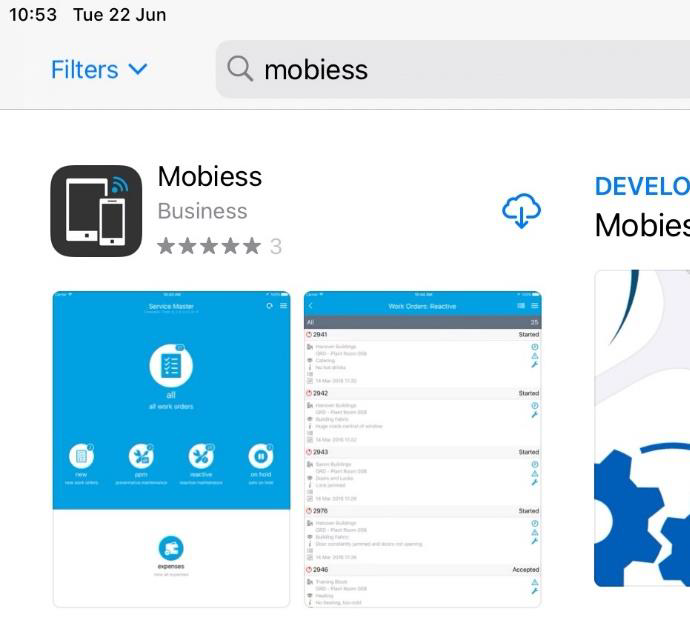
Navigate to the iOS App Store or the Google Play Store and search for Mobiess and install the application.
Once the install has completed, open the app either from the app store or from your device app window.
In the initial signup email, you will have been provided with a Username, Password and Provision Reference.
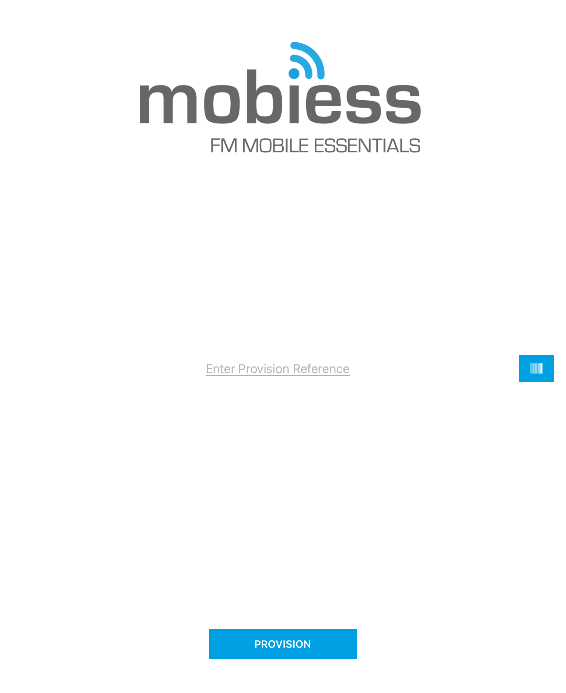
Open the Mobiess app on your device and type the Provision Reference into the text box on screen. You only have to do this once to provision your device.
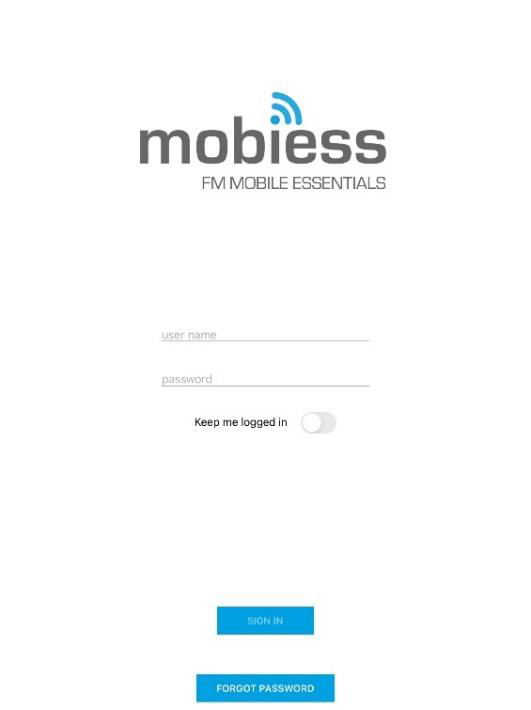
After this, please wait for it to load, then login with your username (the email you used to sign up) and your default password provided in the email (you can change this at any time)