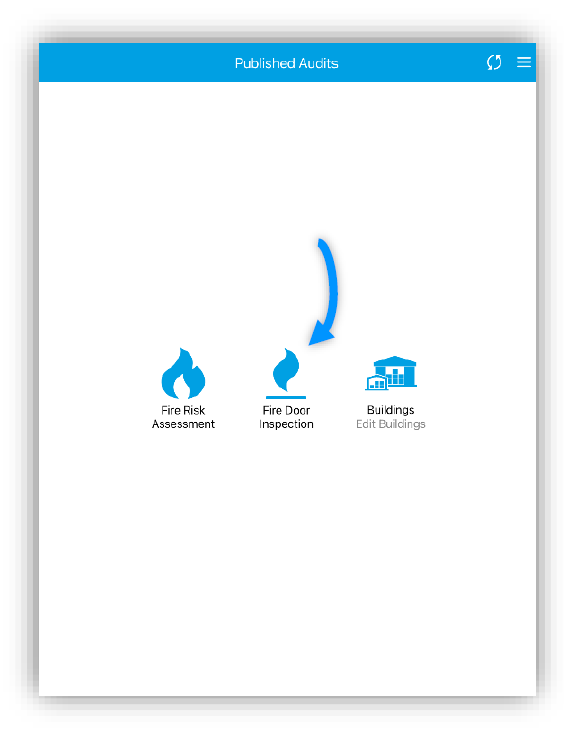
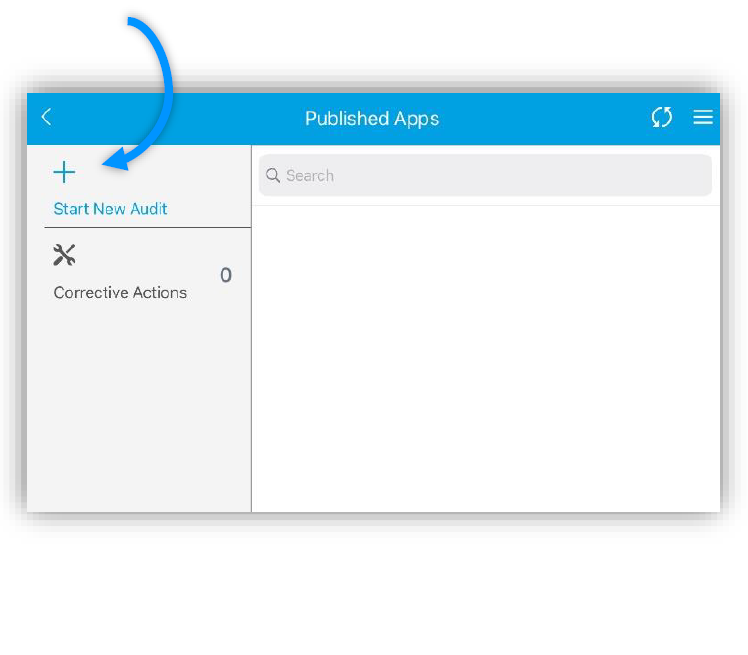
Select your respective Survey Template and Click ‘Start New Audit’. In this instance we will be using the Fire Door Inspection. For Mobile Users, the ‘Start New Audit’ Button would be at the bottom
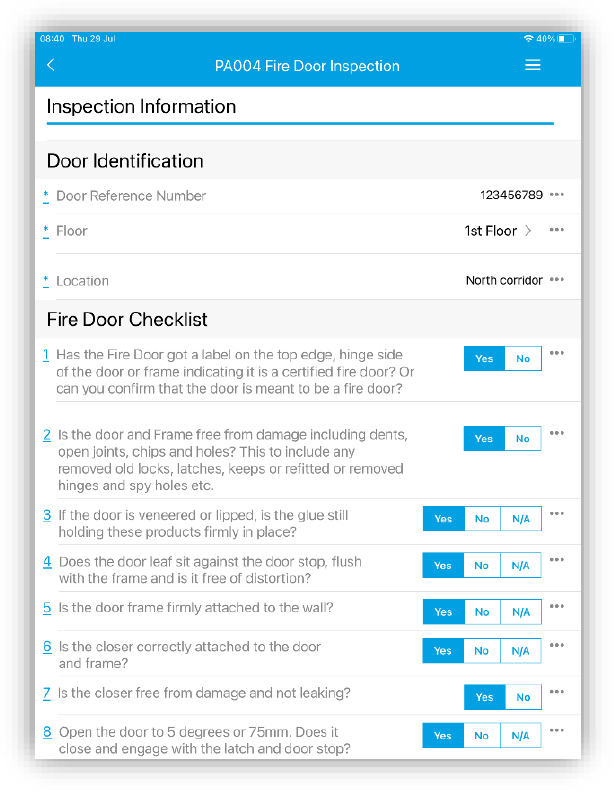
Once started, answer every mandatory question and/or every other question required. Add notes, pictures or corrective actions where necessary.
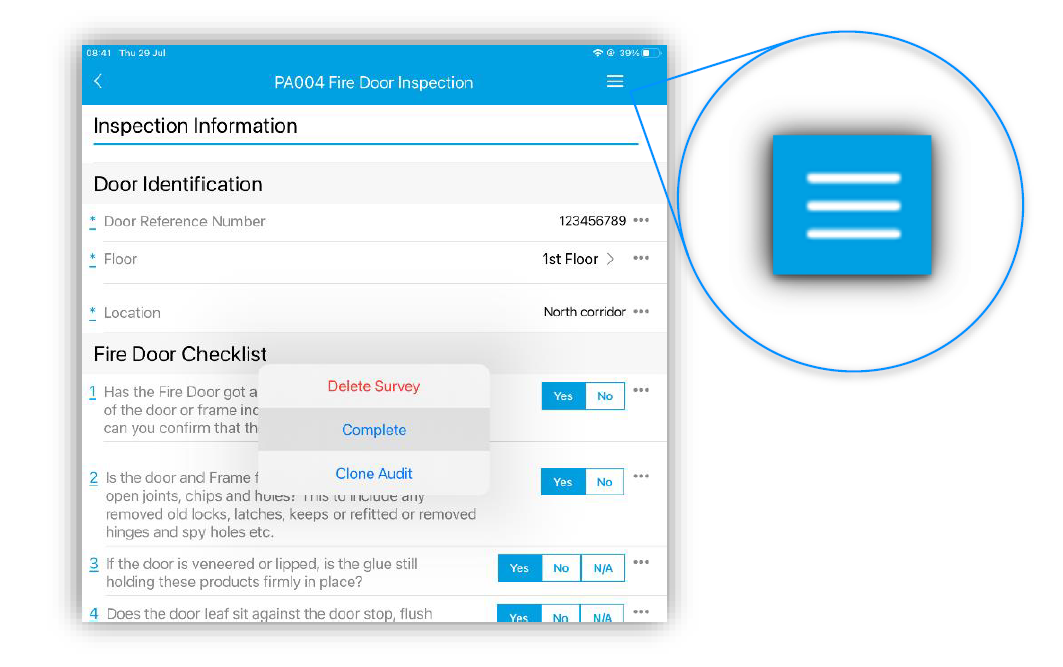
Once all required questions have been answered, click the burger icon in the top right and an option to Delete, Complete or Clone this audit. Press the ‘Complete’ option.
Answer ‘Yes’ to the confirmation message if ready. Your survey will now be available to view in a report format in our portal, with features allowing you to convert it to pdf and various other formats. (See ‘How to Access Reports In Our Web-Portal’ for more information)