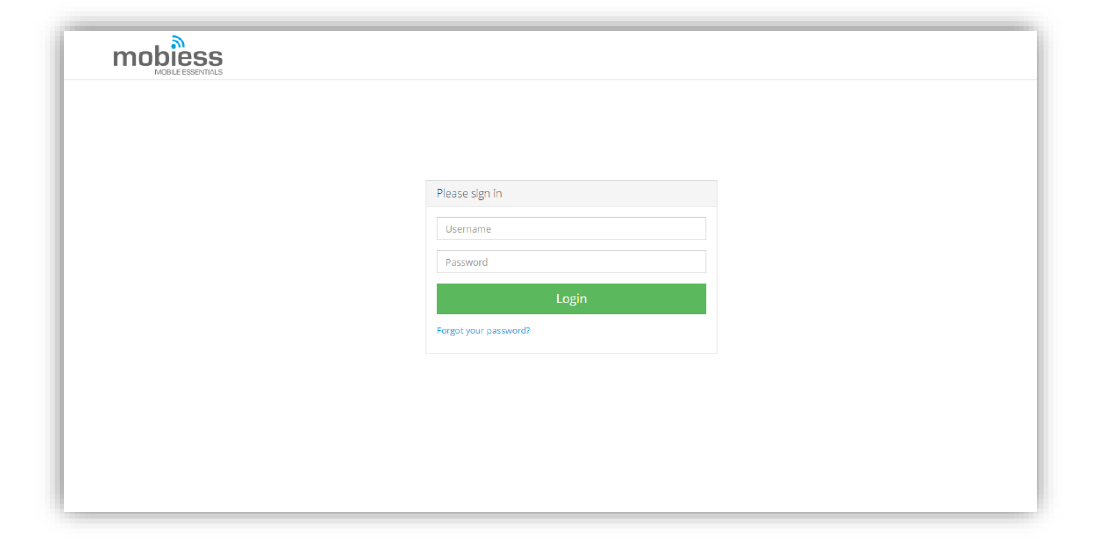
Search for the Mobiess portal – customer.mobiess.com – then login with the credentials Mobiess provided you with.
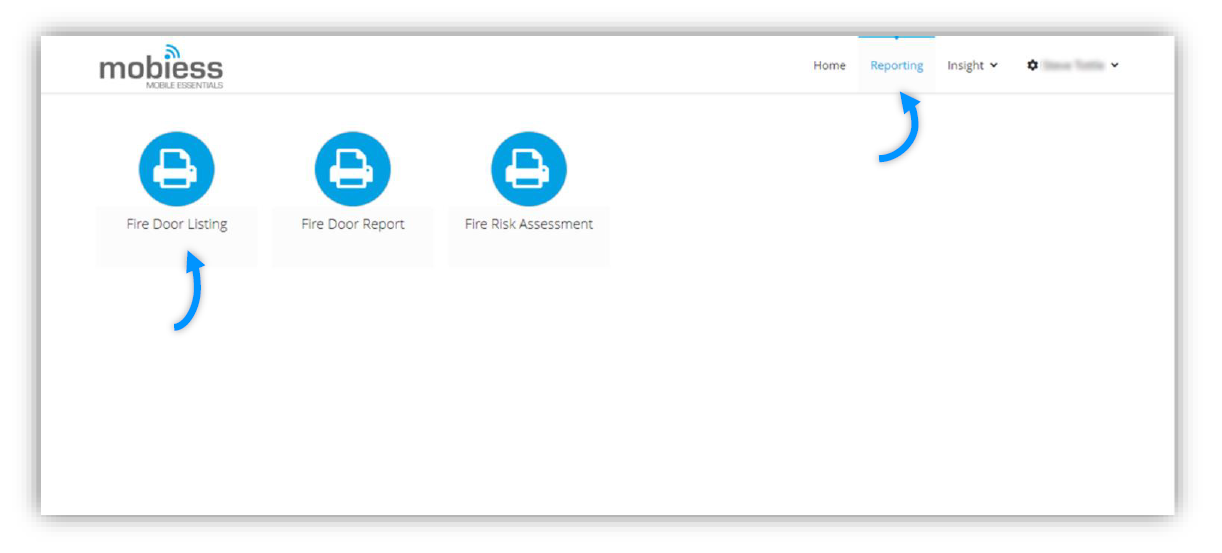
Navigate to the ‘Reporting’ tab, at the top of the screen.
Look for a listing report. If you see ‘IN01: Listing’ that is the standard listing report to drill down to other reports like Fire Risk Assessment, Evacuation, Cleaning Audit etc. For this example we will use the Fire Door Listing Report for Fire Door Inspections.
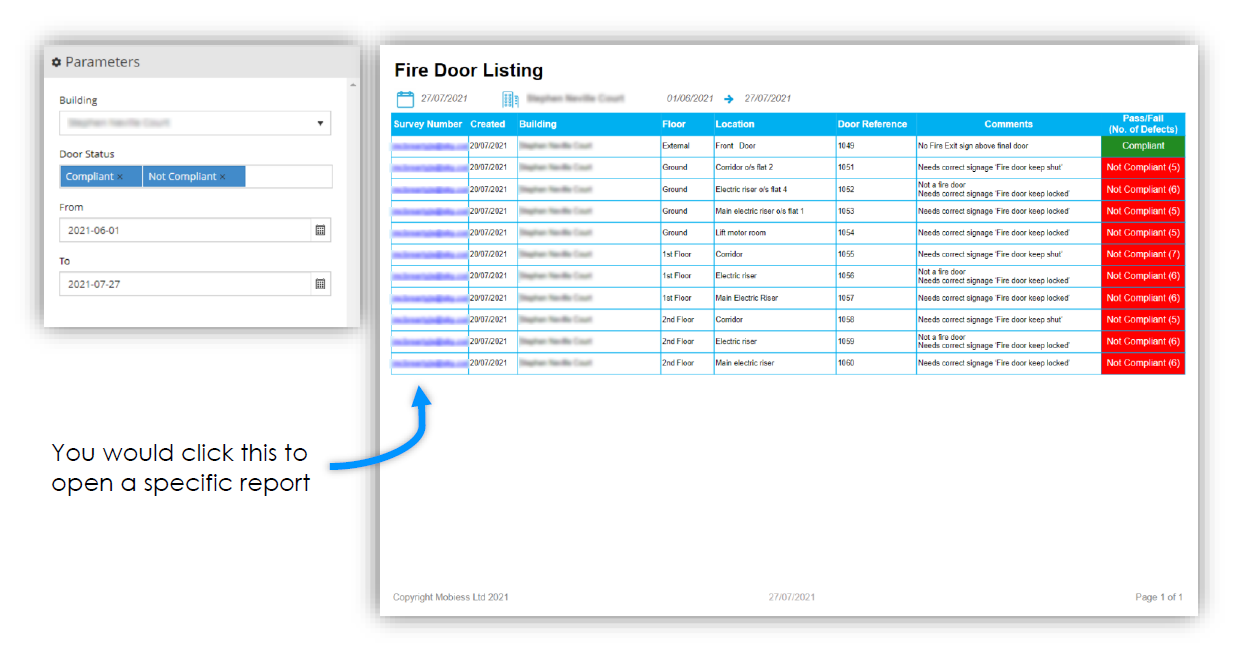
The Parameters available allow the user to filter their Listing Reports to gain a list of the surveys they have – with a feature to open them straight from the Listing Report.
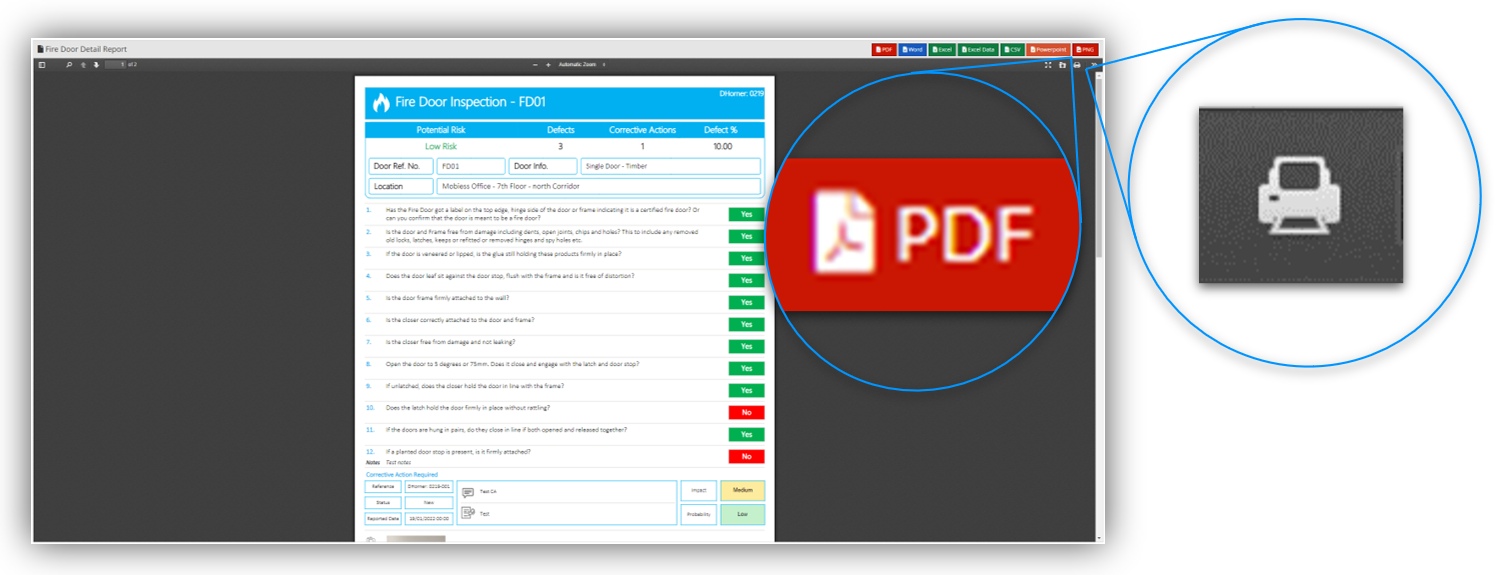
Once inside the detail report, you click the printer icon in the top right-hand side, and select your printer, settings, and print. There are also various options above to convert the report to different formats such as PDF.